


Create a space-themed mood
Colour-changing lighting lets you shift between white and RGB tones to set a playful, atmospheric accent in living rooms or bedrooms.

Home & Living
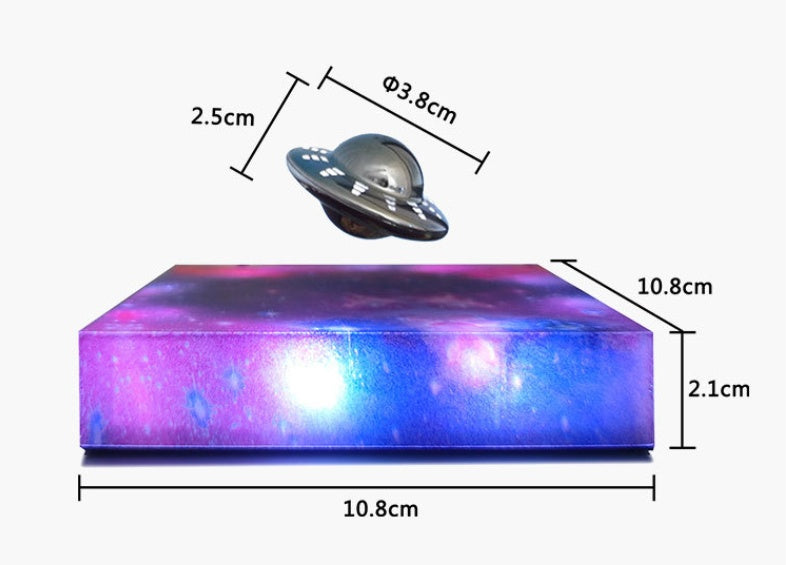
A UFO-style levitating lamp with colour-changing galaxy lighting that becomes a bold, family-friendly décor accent.
$65.99
Secure checkout through this Shopify storeColour-changing lighting lets you shift between white and RGB tones to set a playful, atmospheric accent in living rooms or bedrooms.
The UFO silhouette and starry base are designed to draw attention and kickstart conversations with guests or family.
Touch interaction is described for cycling the base light and selecting colours, so adjusting the look is intended to be straightforward.
The lamp is presented as capable of being tilted and rotated above its base to change the view and create motion in the display.
Framed as an unusual tech-style gift, it suits family members who enjoy novelty décor and distinctive desk accents.
Product story
Four region-specific variants are listed (US, UK, AU, EU), each presented as a separate SKU to match regional plug types.
Each variant is listed with a weight of 0.7 kg, requires shipping and is marked taxable in the product record.